> For the complete documentation index, see [llms.txt](https://p00ls.gitbook.io/p00ls-v2/llms.txt). Markdown versions of documentation pages are available by appending `.md` to page URLs; this page is available as [Markdown](https://p00ls.gitbook.io/p00ls-v2/token-distribution/customize-rewards/add-new-rewards/add-a-poap-reward.md).
# Add a POAP Reward
## About POAP Rewards
POAPs are collectible tokens that represent an experience or event that's shared between collectors. In the Creator Portal, creators can integrate a **Hold POAPs NFT** reward into their token economy. To learn more about POAPs or to mint your own, learn more [here](https://poap.xyz/).
## How it works
**Step 1: Go to Rewards**
Navigate to the **Rewards** page in the Creator Portal. Click on **`New`** in the upper-right corner.
**Step 2: Add a Hold POAP NFTs Reward**
Select the **`Hold POAP NFTs`** option and click on **`Continue`**. Enter the **POAP Event ID**. This can be found on the **Drops** page within your POAP account.
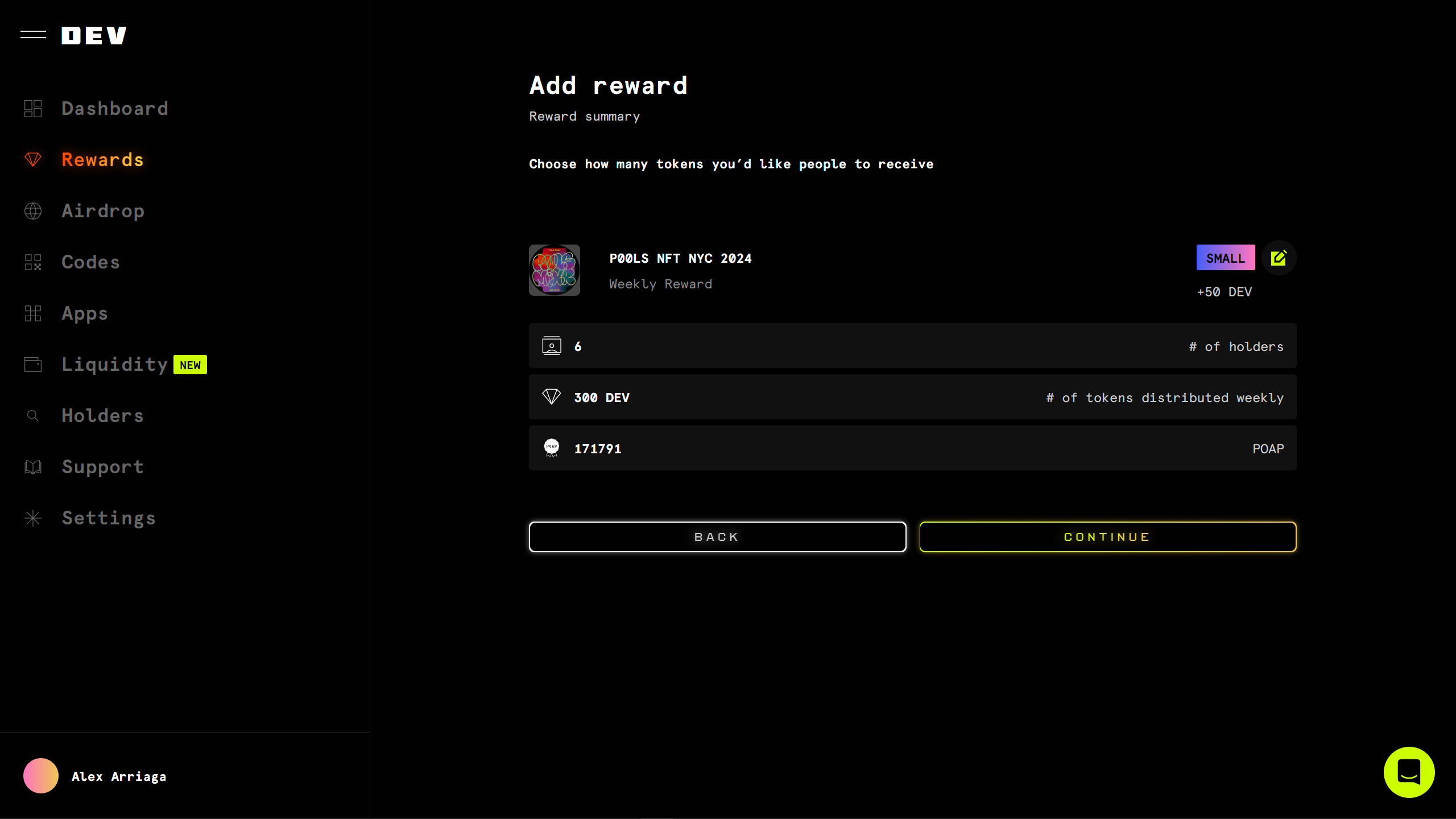
**Step 3: Review Reward**
Review your reward and confirm your reward size using our [standard reward sizes](https://p00ls.gitbook.io/p00ls-v2/token-distribution/token-rewards-general/reward-sizes). Click on **`Continue`**.
**Step 4: All done!**\
Et voila! Your reward will be included in the next weekly airdrop to eligible holders.